Classic books for every reader, with every word explained.
1,353 classic books in 46 themed collections, sorted by level for each person in the family. Tap any word to hear it and see what it means, highlight what you love, and save words to practice in Lumin Vocab.
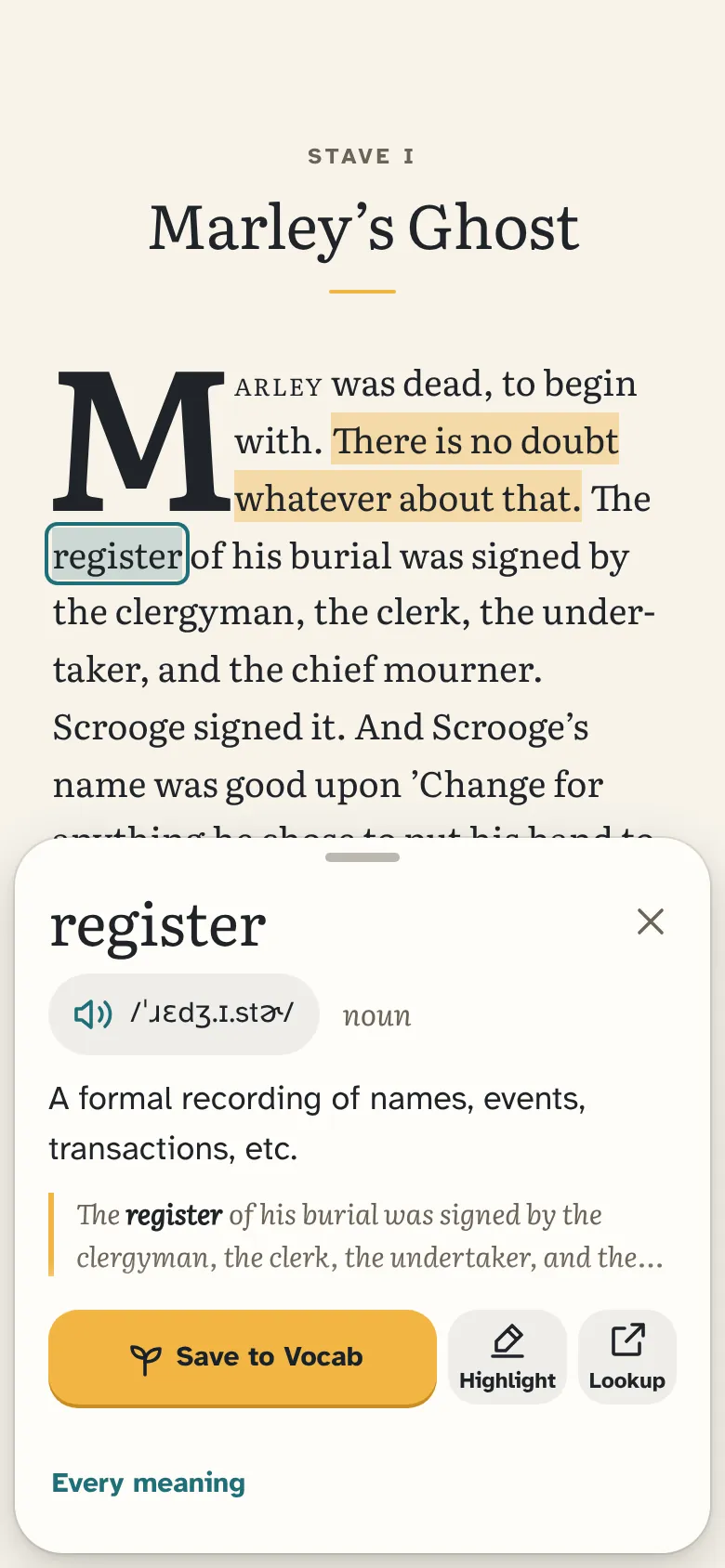
See what it means and hear it in the same natural voices as Lumin Vocab and Lumin Lookup.
Highlights and notes
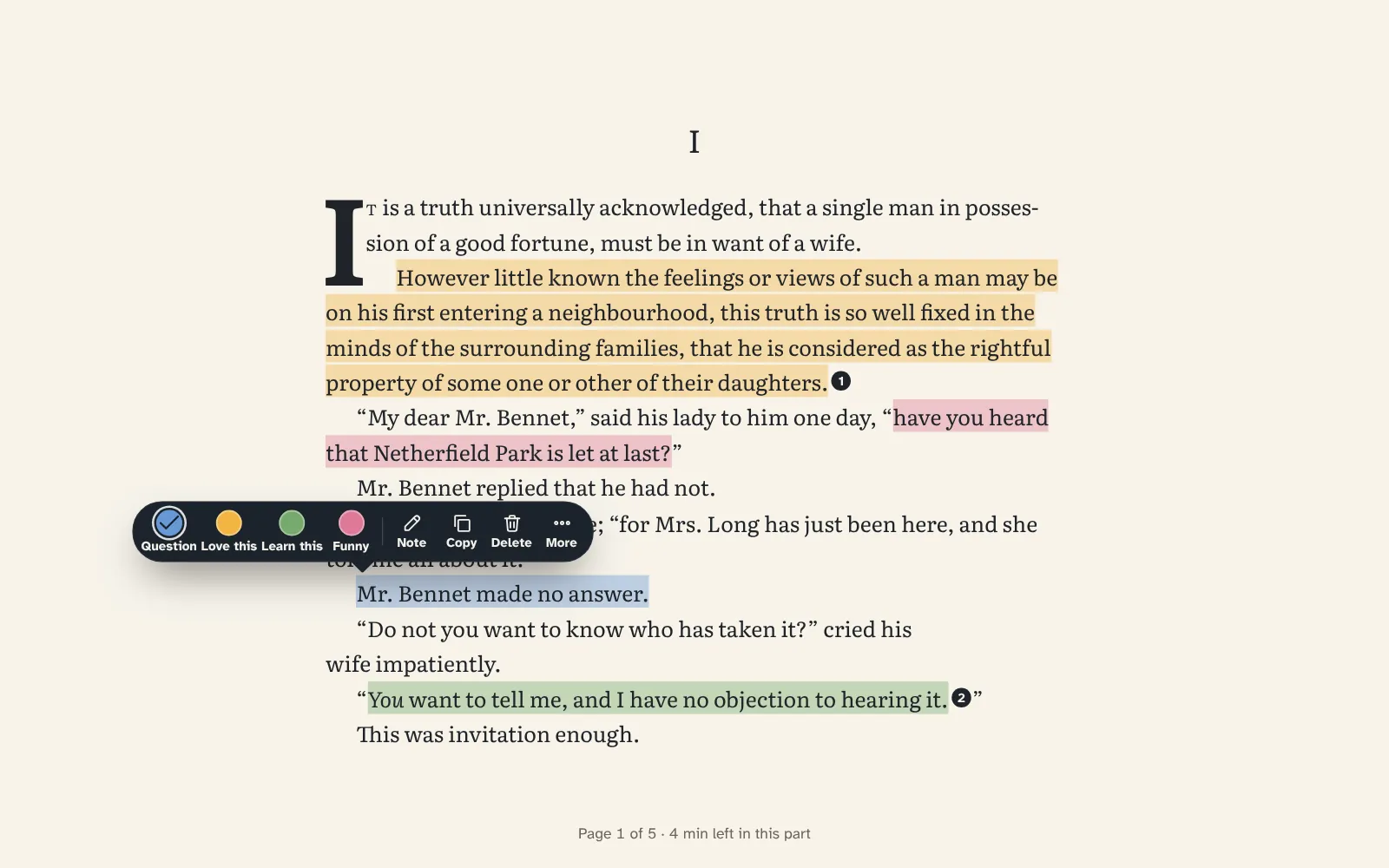
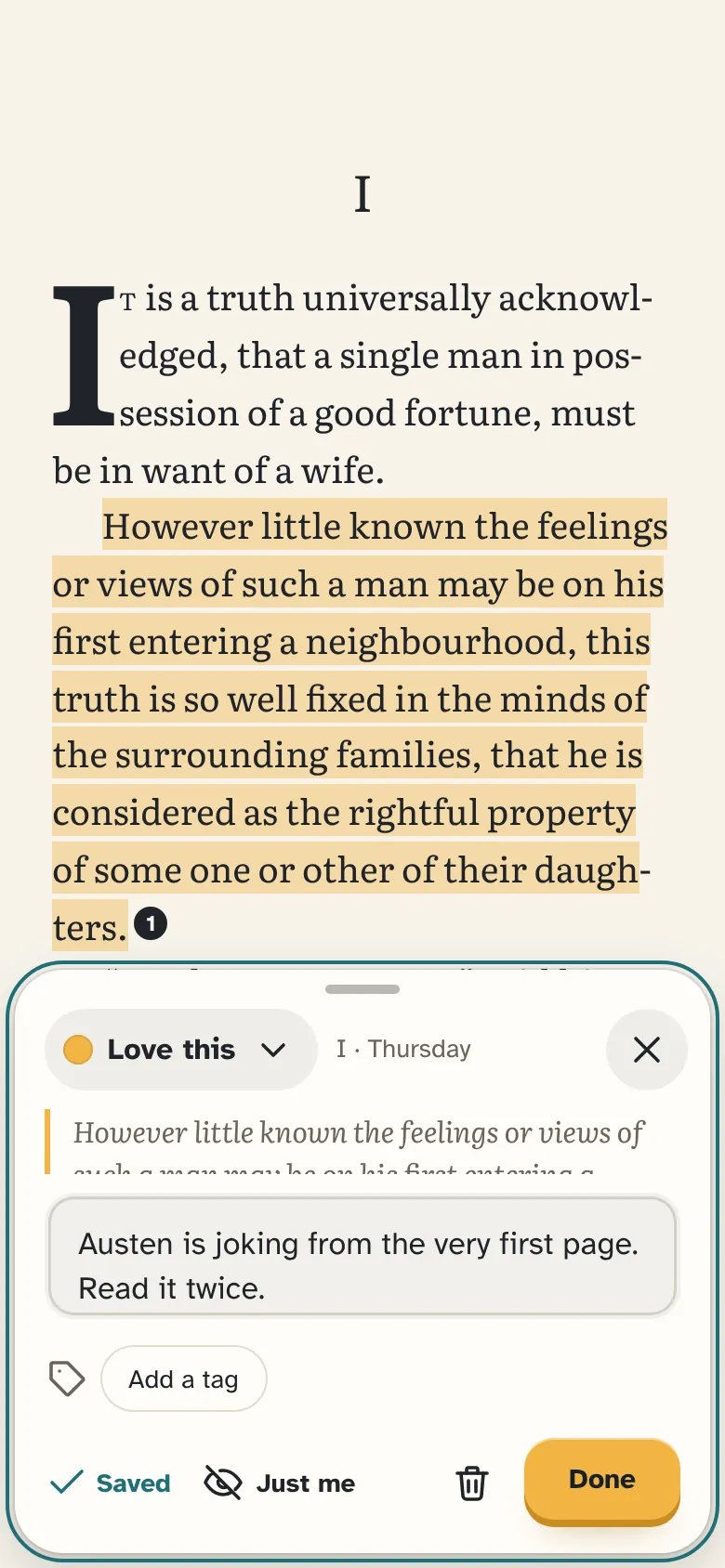
Hold a word to highlight in four colors, add a note to any highlight, and bookmark a page.
A Notebook for every book
Every highlight, note, bookmark and saved word, for one book or all of them, with search and exports.
Words to keep
Save a word and it lands in Lumin Vocab for practice, with the sentence and the book you found it in.
Picks for you
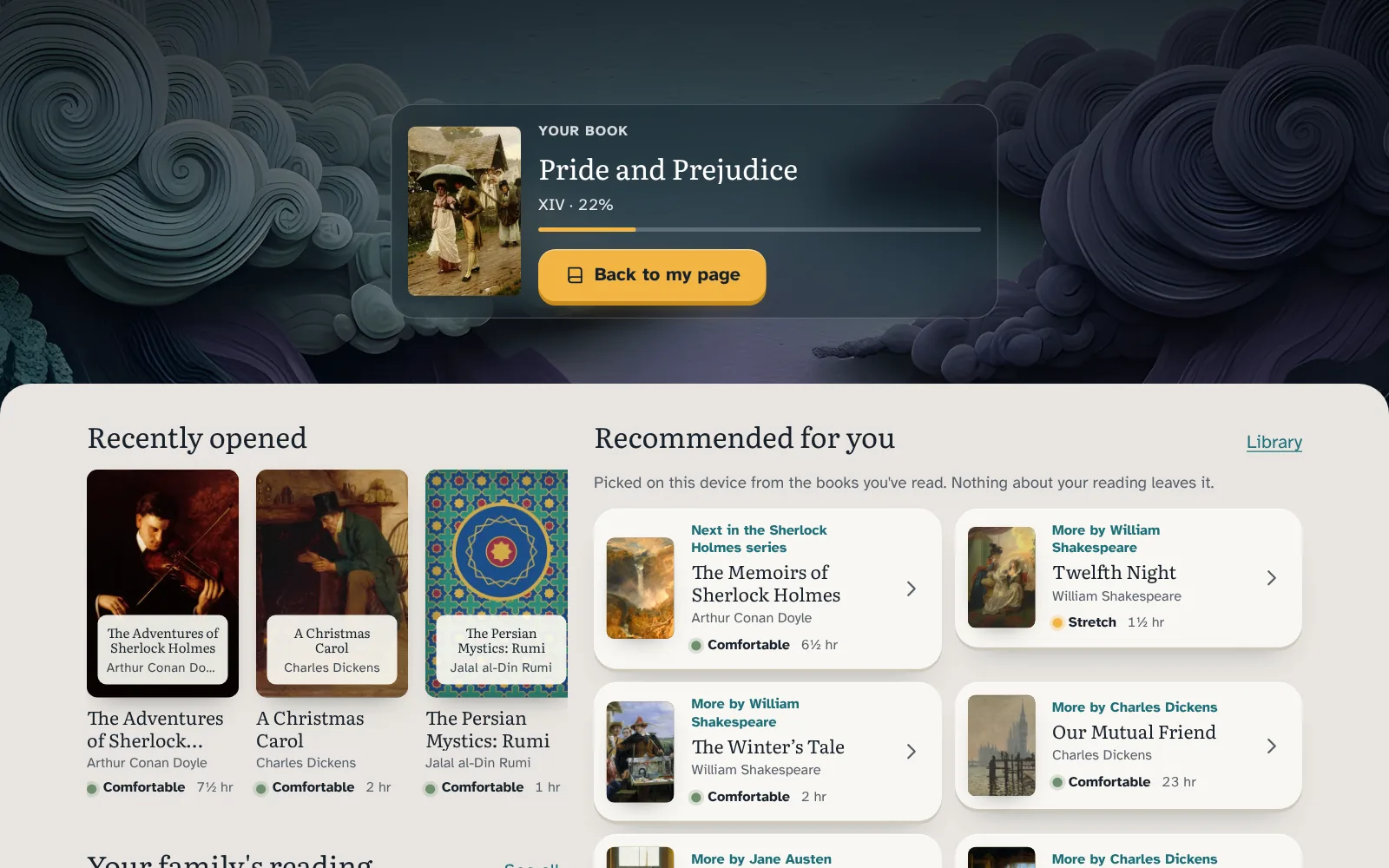
The Read tab opens on your book, the ones you opened lately, and picks from what you've read, worked out on your device.
Private quests
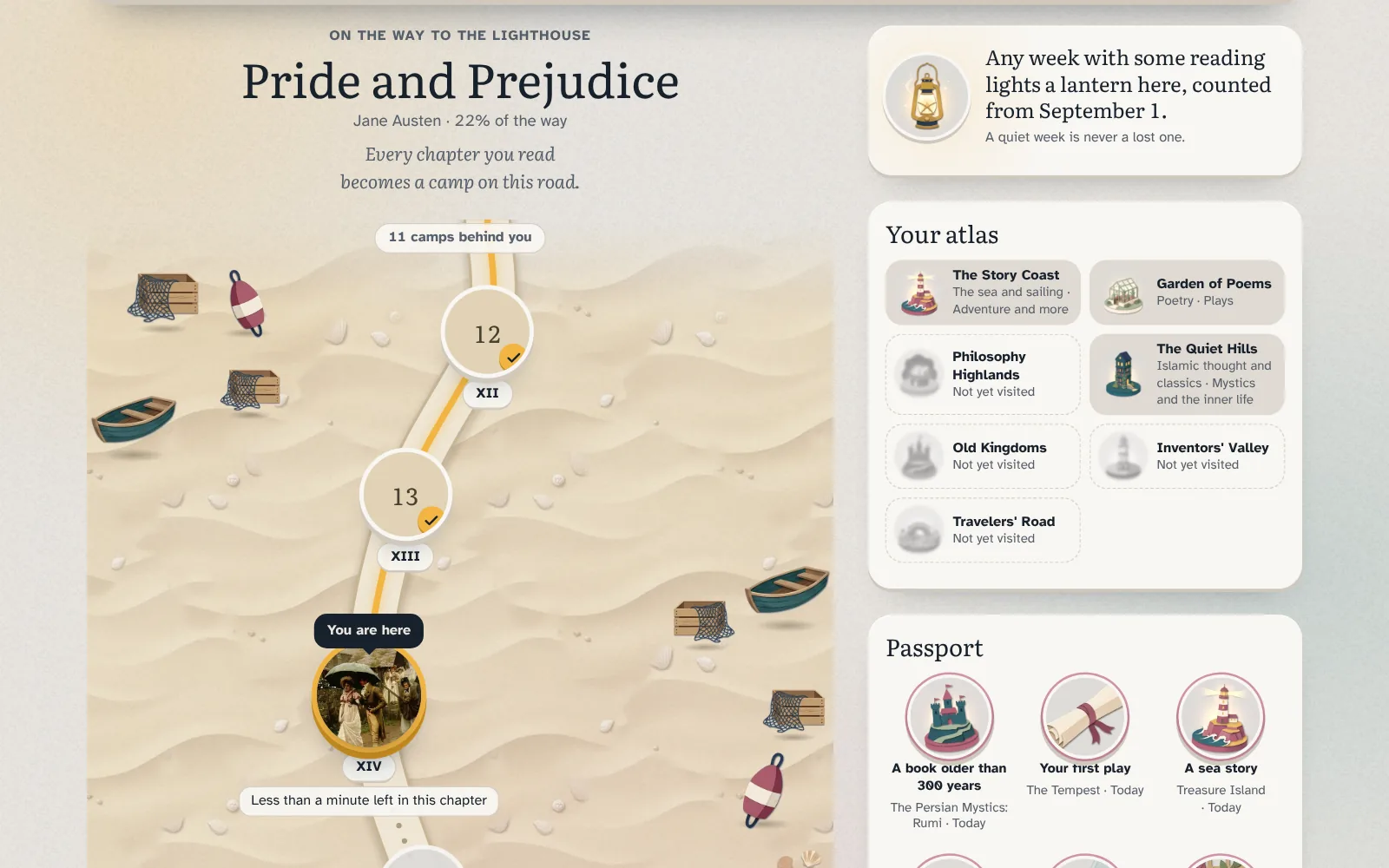
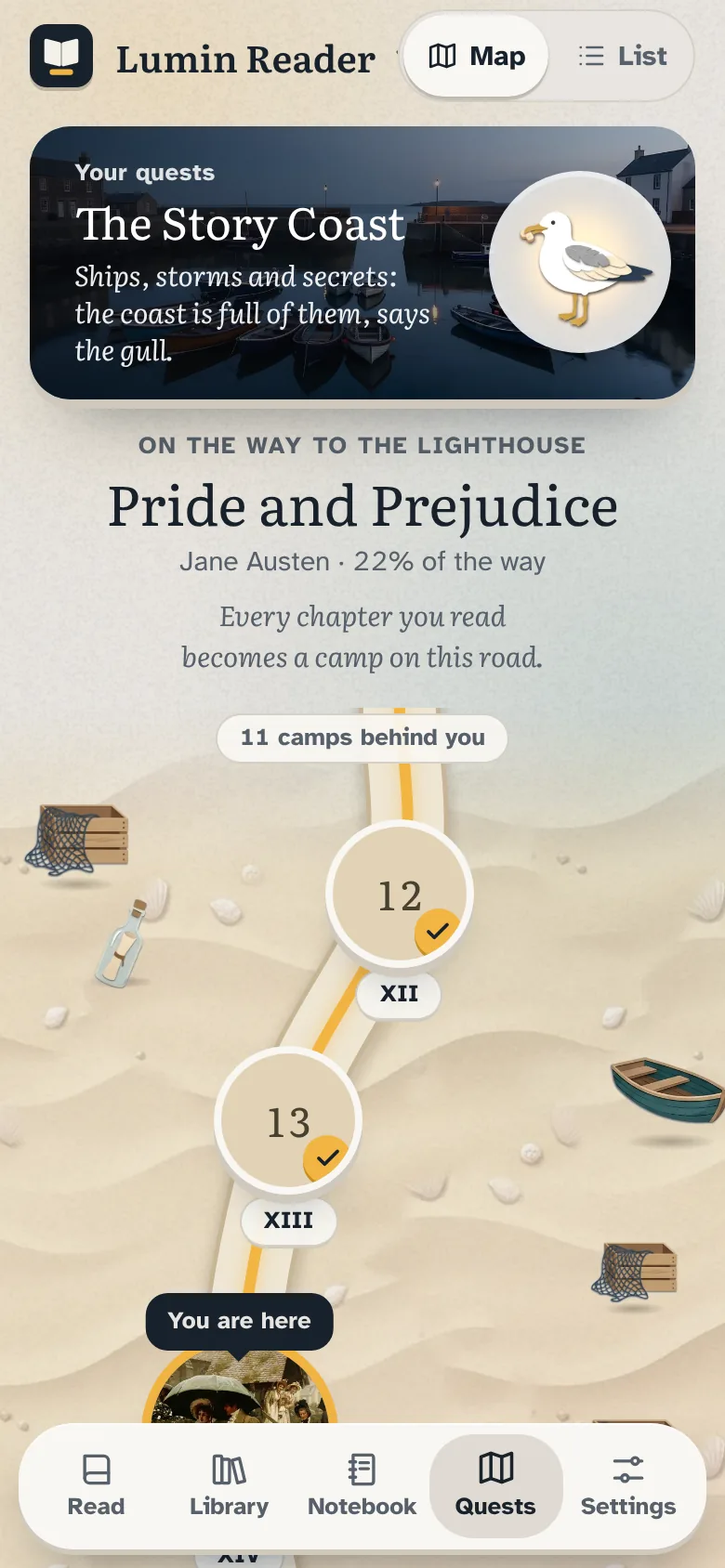
A road of camps, an atlas and stamps for reading widely. It counts weeks, never streaks.
Lists and a kids' library
Make lists for yourself and for each child. Kids' profiles get a library of their own.
Read anywhere
Turn pages or scroll, pick paper, sepia or night, and download books to read offline.
A closer look
Lumin Reader 4.5, on a computer and a phone.
Read
Your next book, waiting
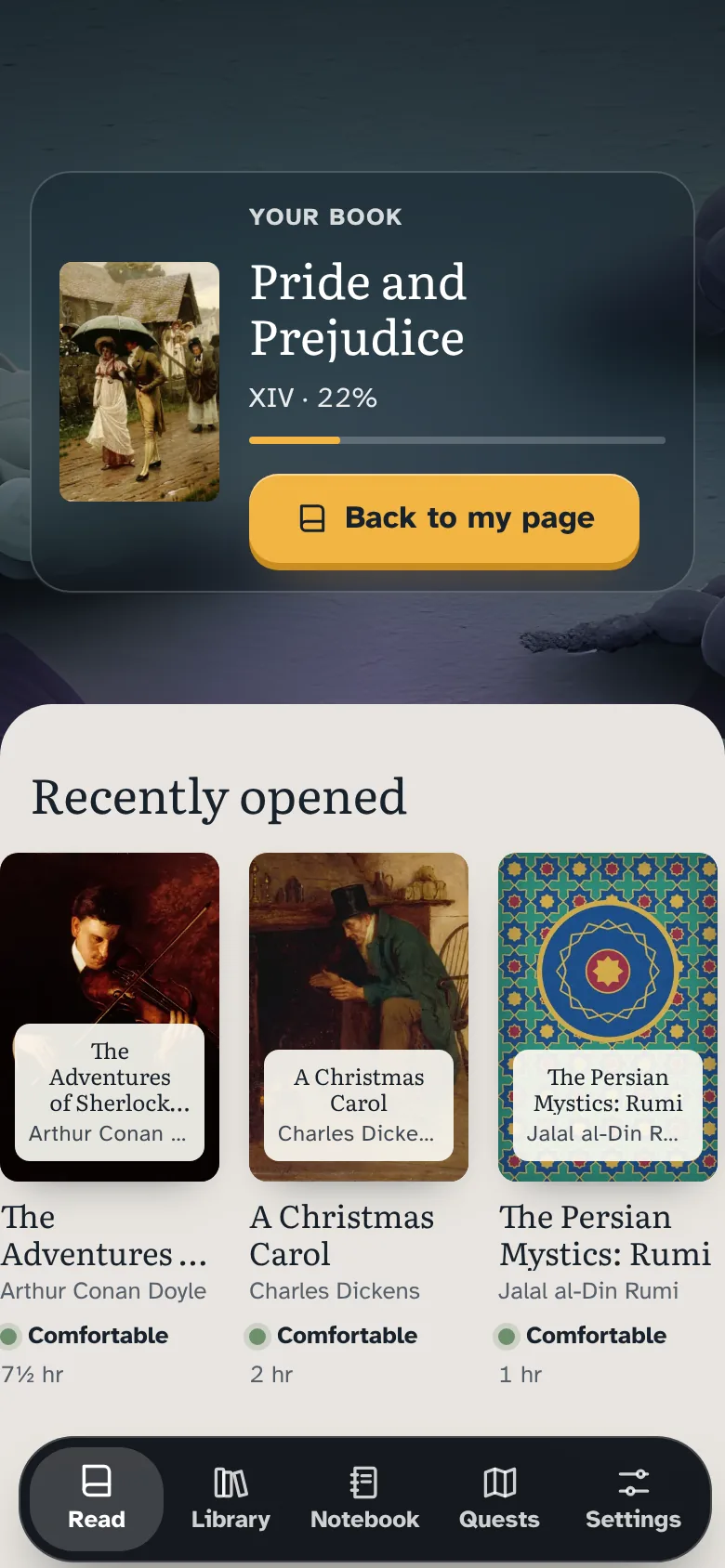
The Read tab opens a home of your own: the book you're reading on top, the ones you opened lately, then picks chosen from what you've read.
Picks are worked out on your device; nothing about your reading leaves it
The next book in a series, more by authors you like, and books on the same topics
Two columns on foldables, tablets and computers
Collections
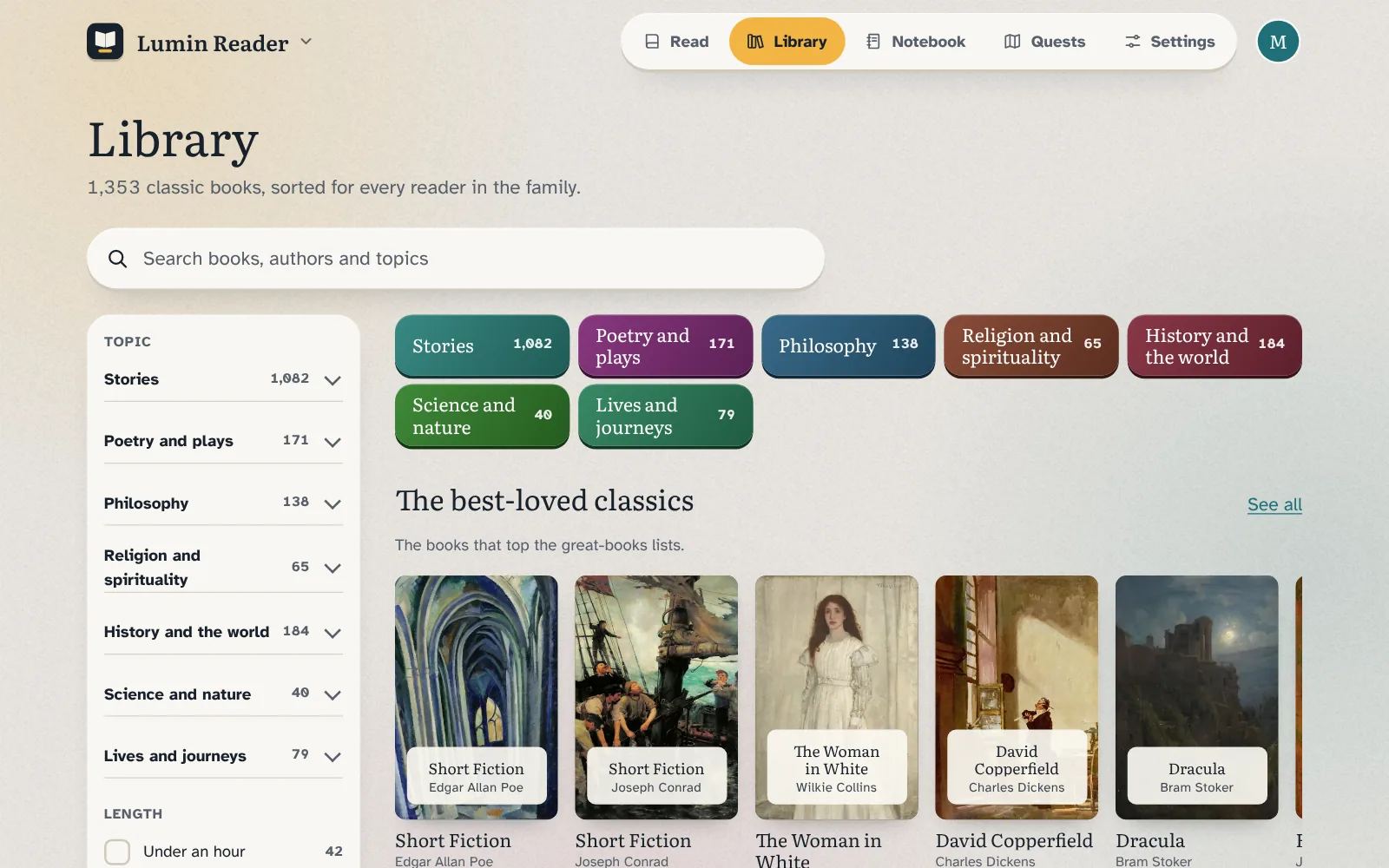
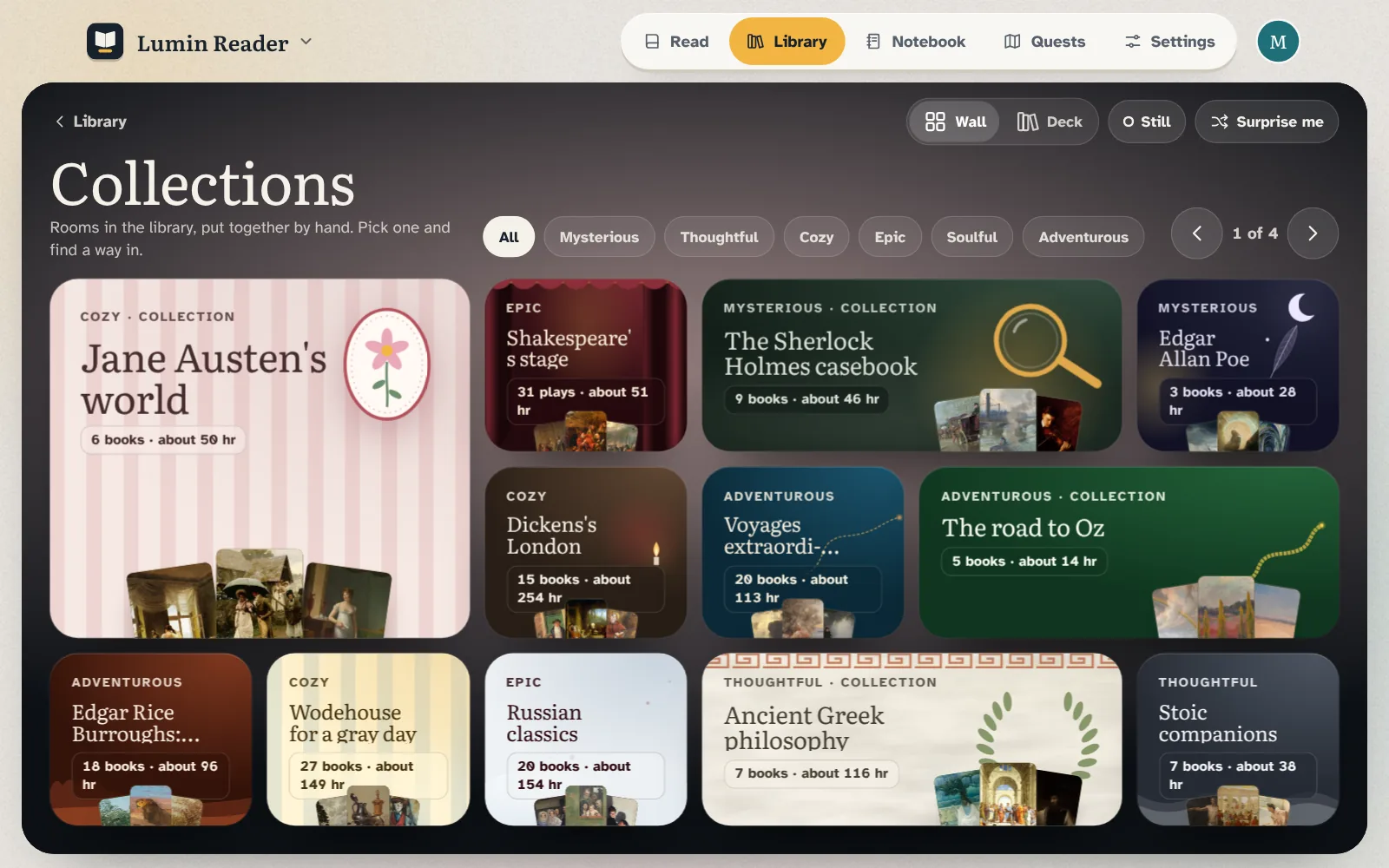
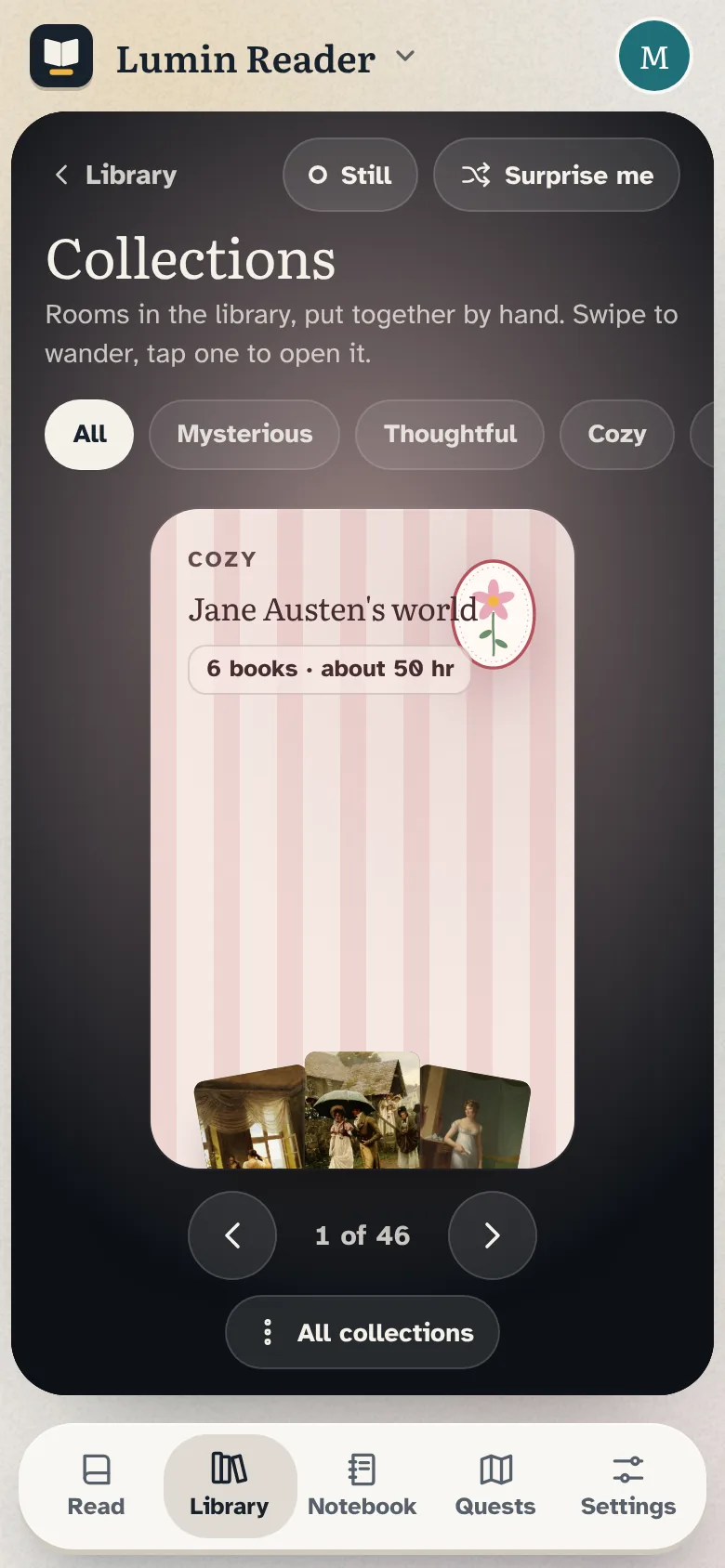
46 rooms to wander
Themed collections, each with a short introduction and a suggested order. A gallery wall on large screens, a deck you swipe on phones.
Jane Austen's world, the Sherlock Holmes casebook, the road to Oz and many more
1,353 classic books in 7 topic groups and 55 topics
Shelves for Islamic thought and poetry, other religious traditions and philosophy
Notebook
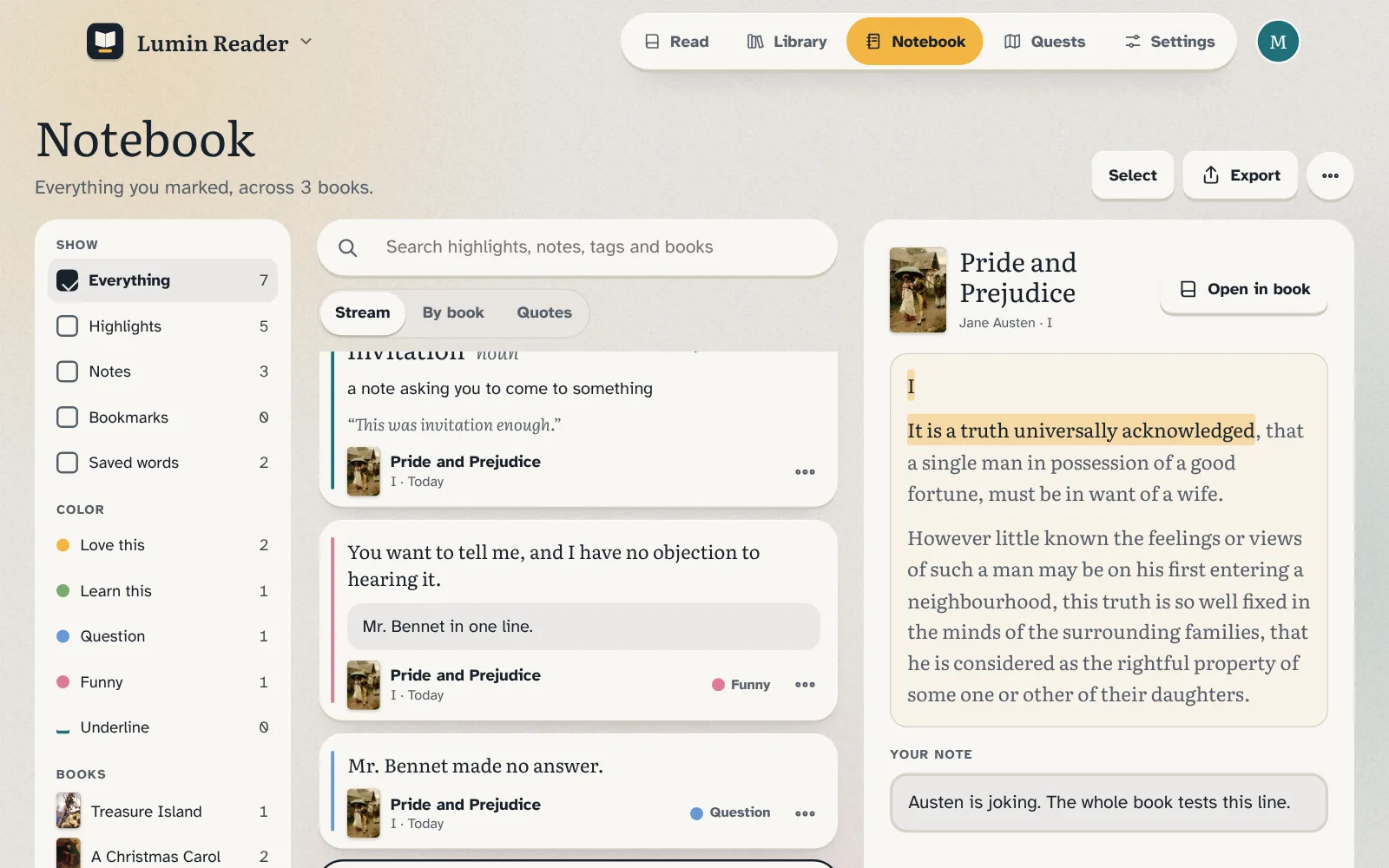
A notebook for every book
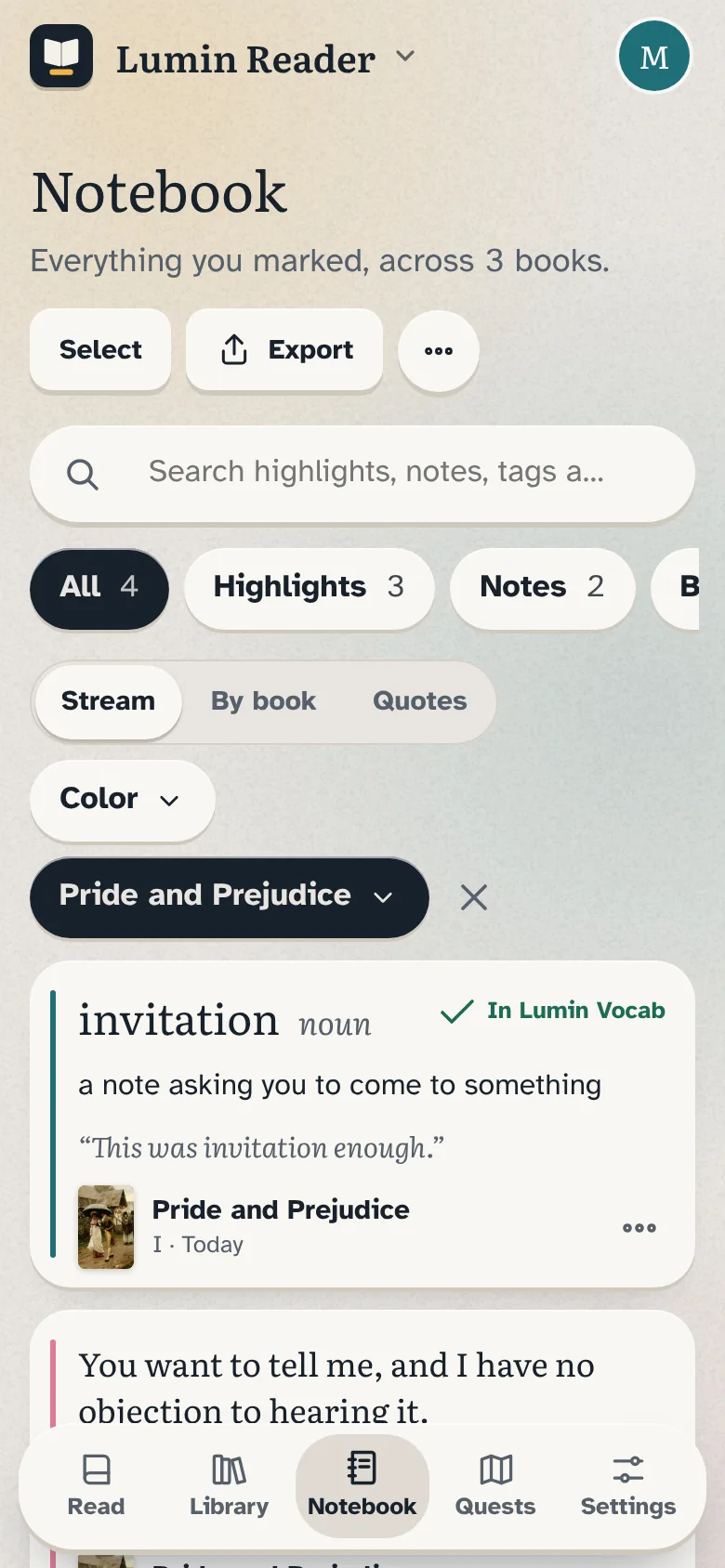
Every highlight, note, bookmark and saved word, for one book or across all of them.
Filter by color, book or kind, and search everything
Export to Markdown, plain text, CSV or JSON, or print your own commonplace book
Saved words land in Lumin Vocab with the sentence and the book
Reading
Mark what matters
Full-page reading with nothing in the way. Hold to highlight in four colors, and add a note to any highlight.
Tap any word for its meaning and its sound
Bookmarks, and search inside the book
A Text and page panel that never covers the page
Quests
Quests, not streaks
A private map of your reading: every chapter becomes a camp on the road, with an atlas of seven regions and stamps for reading widely.
It counts weeks with some reading, never days, and a quiet week is never a lost one
Stamps for a sea story, a first play, a book from Persia and more
Kids' quests come from the kids' library
Good to know
No ads, no trackers, and nothing to sign up for. We did our best to curate a family friendly catalog. It isn't perfect, so tell us what you think.
Works with your code
One family account for every Lumin app: Reader, Vocab, Lookup and Coach. Join in one and the others sign in by themselves in that browser. Your shelves, notes and saved words follow you to every device, locked before they sync. Just you, or the whole family. Scan a QR code or type six words.